What Is a Paperless Office? The Complete 2026 Guide for Freelancers & Small Businesses
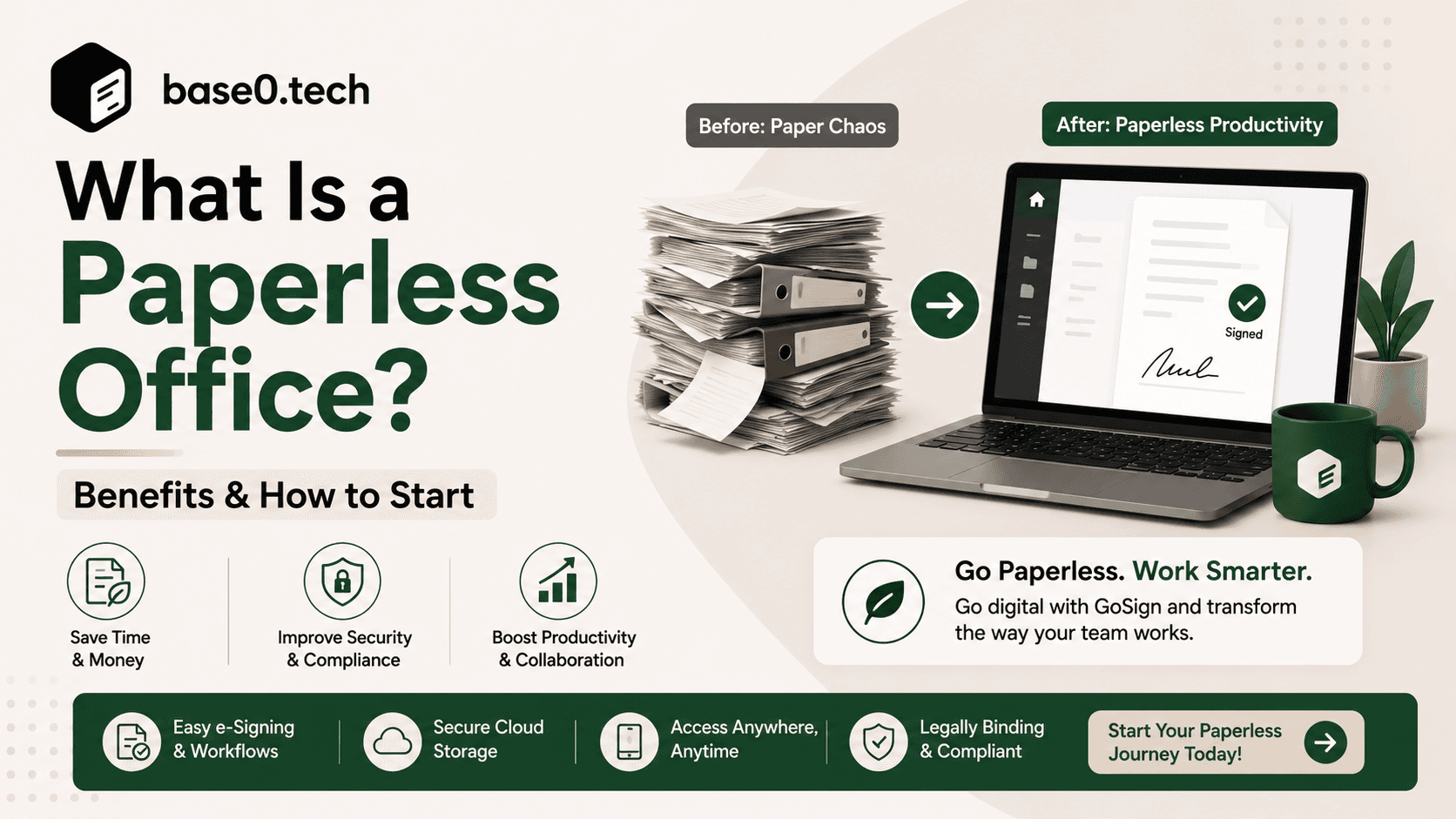
What Does "Paperless Office" Actually Mean?
The Core Idea
A paperless office is a way of working where digital tools — not paper — are the default for creating, sending, signing, and storing documents. It doesn't require banishing every printed page forever. It means that when a contract needs to go out, a signature needs to be collected, or an invoice needs to be filed, the default path is digital first.
For freelancers and small business owners specifically, this shift usually starts in one place: getting contracts signed and getting paid. Filing cabinets and fax machines were never really the problem for a two-person consultancy — chasing a client for a signature, then chasing them again for payment, is.
Paperless vs. Paper-Lite
These terms get used interchangeably, but they're not the same thing.
- Paperless means paper is the exception. Contracts, invoices, and records are created, signed, and stored digitally from start to finish.
- Paper-lite means paper usage has been reduced significantly, but some documents are still printed, signed by hand, or filed physically.
Industry surveys back this up: only about 10% of workers report operating fully digitally, while roughly 41% work in a hybrid mix of print and digital. For most solo operators and small teams, paper-lite is the realistic starting point — full paperless is the direction you're heading in, not necessarily where you start.
How the Definition Has Shifted by 2026
The original idea of a paperless office was about storage: replace the filing cabinet with a hard drive. That's outdated thinking now. In 2026, going paperless is less about where a document sits and more about how it moves — from contract generation, to e-signature, to payment collection, without a single manual handoff.
A Short History of the Paperless Office
The 1975 Prediction That Missed Its Mark
The term "paperless office" was popularized by a 1975 BusinessWeek article predicting offices would be largely paper-free by the mid-1990s. It didn't happen on that timeline — the personal computer and laser printer actually made printing easier, and paper use went up, not down, through the 1980s and '90s.
What Actually Changed the Trajectory
Email cut down on printed memos. The PDF became a universal digital document format. Cloud storage made filing cabinets optional. And critically, legislation gave digital signatures real legal weight — the U.S. ESIGN Act (2000) and the EU's eIDAS regulation put electronic signatures on equal legal footing with wet ink.
By the 2010s, the tools existed and were affordable. What was missing wasn't technology — it was habit change, especially among small teams who didn't have IT departments pushing the transition for them.
Where Things Stand in 2026
The digital document management market has continued its steady climb, valued in the low billions of dollars globally and still growing at a double-digit annual rate. But adoption remains uneven: most businesses — especially small businesses — are still paper-lite rather than fully paperless. That gap is exactly where the opportunity sits for freelancers and small teams willing to make the switch now.
Why Go Paperless: The Real Benefits
It Saves Real Money
U.S. businesses collectively burn through billions of dollars a year managing paper documents — printing, storage, filing supplies, and the labor of manually handling paperwork. Organizations that digitize can cut paper-related costs dramatically, in some cases by as much as 80%.
For a freelancer or small business, that math is simpler but just as real: no printer ink, no scanner runs, no lost invoices, and far less time spent chasing paperwork instead of billable work.
Faster Turnaround, Faster Payment
Workers lose a meaningful chunk of their week — commonly cited estimates put it near 20% — just searching for documents or information buried in physical files. That's close to a full workday, every week, spent hunting instead of working.
For service-based businesses, the bigger win is upstream: a contract that used to take days of printing, signing, scanning, and emailing back and forth can be sent, signed, and returned in minutes with e-signatures. And when contract signing is fast, the invoice that follows gets paid faster too — which is where a tool like Base0 closes the loop, connecting the signed agreement directly to payment tracking instead of leaving that as a separate manual step.
Better Security and a Clear Paper Trail (Digitally)
A filing cabinet is secured by a lock and a key — that's it. Digital document systems offer access controls, full audit trails with timestamps, and a clear record of who viewed, edited, or signed a document and when. For freelancers handling client contracts or NDAs, that audit trail is often the difference between a dispute you can resolve in five minutes and one that drags on.
Lower Environmental Footprint
Reducing paper use is one of the simplest, most measurable sustainability moves a business can make — no offsets, no complex reporting, just less consumption. It's a small thing that adds up, and increasingly it's something clients notice.
The Core Technologies Behind a Paperless Workflow
Document generation and templates — Instead of starting from a blank page every time, reusable contract and invoice templates cut setup time to almost nothing for recurring work.
Electronic signatures — Arguably the single highest-impact tool for eliminating paper. Documents get sent, signed, and returned without ever being printed, backed by an audit trail that a handwritten signature can't match.
Payment tracking — For freelancers, a signed contract is only half the workflow. Knowing whether an invoice has been sent, viewed, or paid — without switching to a separate app — is what actually closes the loop between agreement and cash in the bank.
Cloud storage — Keeps every signed contract and record accessible from anywhere, without needing to be at a specific desk with a specific filing cabinet.
OCR (optical character recognition) — Useful mainly for digitizing older paper archives, converting scanned documents into searchable, editable text.
How to Go Paperless: A Practical Step-by-Step Plan
Step 1: Find Where Your Paper Actually Comes From
Before fixing anything, look at where paper (or its digital-but-still-manual equivalent — PDFs printed just to be signed, for instance) enters your workflow. For most freelancers and small businesses, it's contracts, invoices, and client onboarding paperwork.
Step 2: Set a Specific, Measurable Goal
"Go paperless" isn't a goal — it's a mood. Something like "get 100% of new client contracts signed electronically within 30 days" or "cut invoice-to-payment time in half this quarter" actually gives you something to measure.
Step 3: Pick Tools That Match Your Actual Workflow
You don't need five separate platforms to stop using paper. For most solo operators and small teams, the highest-leverage move is consolidating contract generation, e-signature collection, and payment tracking into one simple tool — which is exactly the gap Base0 is built to fill, without the integration sprawl that bigger enterprise e-signature platforms tend to carry.
Step 4: Get Buy-In (Even If It's Just You and a Few Others)
If you have even a small team, show them why the change matters, not just how to click the buttons. If it's just you, this step is easier — but it still helps to actually commit to the new workflow rather than quietly falling back into printing "just this once."
Step 5: Review and Adjust
Check back in after a month. Are contracts actually getting signed faster? Are invoices getting paid sooner? Adjust your templates and process based on what you learn.
Legal Validity: Are E-Signatures Actually Binding?
Yes — in Most Major Jurisdictions
In the U.S., the ESIGN Act (2000) and the Uniform Electronic Transactions Act (UETA) give electronic signatures the same legal standing as handwritten ones for the vast majority of commercial agreements. The EU's eIDAS regulation provides a similar (and more tiered) framework, with Simple, Advanced, and Qualified electronic signature levels. Comparable laws exist in the UK, Canada, Australia, and most other developed markets.
What Actually Holds Up in Court
Courts generally look at three things: did the signer intend to sign, can the signature be attributed to that specific person, and was the document altered afterward. A complete audit trail — timestamps, IP address, email verification, and a record of every action taken — is the evidence that answers all three questions. This is why audit trails aren't a nice-to-have feature in an e-signature tool; they're the actual legal foundation.
A Quick Note on Regulated Documents
For most freelance and small-business contracts — service agreements, NDAs, statements of work, vendor agreements — standard electronic signatures are perfectly sufficient. Certain regulated document types (some real estate, healthcare, or financial filings) may have extra requirements, so it's worth a quick check with a professional if you're outside standard commercial agreements.
Common Roadblocks (and How to Get Past Them)
"I'm just used to printing things." This is the most common reason people stall. The fix isn't more explanation — it's making the digital workflow genuinely faster than the paper one, so there's no incentive to fall back. Once a client can sign a contract from their phone in 30 seconds, printing starts to feel like the inconvenient option.
"Is this actually secure?" Digital documents, handled properly, are more secure than paper — access controls, encryption, and audit trails beat a lock and a key. But it's worth explaining why rather than just asserting it, especially to clients who are new to signing things electronically.
"I still have old paper files." Digitize what you actually reference regularly first. Old archives you rarely touch can wait, or be scanned in batches over time.
Where Going Paperless Matters Most for Small Businesses
Freelance and consulting work — Every new client relationship starts with a contract. Faster signing means faster starts, and connecting that contract directly to invoicing means fewer awkward "did you get my invoice?" follow-ups.
Creative and service agencies — Client agreements, scopes of work, and revision sign-offs all benefit from a simple digital paper trail that doesn't require anyone to own a scanner.
Small professional practices — Engagement letters, intake forms, and client agreements are recurring, template-friendly documents — exactly the kind of paperwork a lightweight e-signature tool handles well.
Solo and small e-commerce or trades businesses — Vendor agreements, contractor agreements, and client sign-offs move faster when nobody has to physically be in the same room to sign them.
How Base0 Helps You Go Paperless — Without the Bloat
Most e-signature platforms were built for enterprise procurement teams, with pricing and integrations to match. Base0 is built for the opposite end of the market: freelancers and small businesses who need to generate a contract, get it signed, and get paid — without navigating a platform designed for a 500-person legal department.
Contract generation — Create client contracts without starting from scratch every time.
Legally binding e-signatures — Collect signatures with a full audit trail, so the agreement holds up if it's ever questioned.
Payment tracking built in — Instead of treating signing and invoicing as two separate tools with two separate logins, Base0 keeps the signed agreement and the payment status connected, so you can see at a glance what's signed, what's outstanding, and what's been paid.
No integration bloat — Base0 is deliberately simple. It doesn't try to be a document management suite, a CRM, and an accounting platform all at once — it does contract-to-payment well, and stays out of the way otherwise.
Getting started takes minutes: sign up, generate your first contract, send it for signature. No steep learning curve, and no enterprise sales call required. You can get started with Base0 for free and send your first contract today.
Where the Paperless Office Is Headed Next
AI Is Already Changing Document Workflows
AI-assisted document generation and processing are reducing the manual setup work involved in contracts and forms, and that trend is accelerating. Expect contract creation to keep getting faster and more automated over the next few years — less time spent formatting, more time spent on actual client work.
Document Verification Keeps Getting More Robust
Beyond standard audit trails, some platforms are exploring more advanced document integrity verification methods for high-stakes agreements. For most freelance and small-business contracts, a solid timestamped audit trail is already more than sufficient — but the underlying trend toward stronger verification is worth watching.
The Bigger Picture
Paper isn't disappearing overnight, but its role as the default medium for business documents keeps shrinking. The businesses that benefit most are the ones that stop waiting for a "complete" solution and start using practical, simple tools — for a freelancer or small business, that usually means picking one tool that handles contracts, signatures, and payments together, rather than three separate ones.
FAQ
Is it realistic for a small business to go fully paperless? More realistic than for a large enterprise, honestly. With fewer workflows and fewer stakeholders, a freelancer or small team can often go from paper-lite to fully digital in a matter of weeks — not years — especially when contract signing and payment collection are handled by a single tool like Base0.
Are electronic signatures legally binding for freelance contracts? Yes. Under the U.S. ESIGN Act, UETA, and similar laws in most other countries, electronic signatures carry the same legal weight as handwritten ones for standard commercial agreements, provided there's a clear record of signer intent and an audit trail.
How much can a small business actually save by going paperless? Beyond the direct cost of paper and printing, most of the savings come from time — less time spent formatting contracts from scratch, chasing signatures, and manually tracking which invoices have been paid. For businesses with recurring client agreements, template-based contract generation and integrated payment tracking (like Base0 provides) tend to produce the biggest time savings.
What's the best tool for a freelancer to go paperless? It depends on what's actually eating your time. If it's contract creation, signing, and invoice tracking, a combined tool avoids juggling logins across multiple platforms. That's the specific gap Base0 is designed to fill for freelancers and small businesses.
Is a paperless workflow more secure than paper? Generally, yes — access controls, encryption, and audit trails outperform a lock and a filing cabinet. But it depends on proper setup: strong account security and sensible access permissions matter just as much as the tool itself.