How to Get Started with Base0: Send, Sign, and Manage Documents in Minutes 1
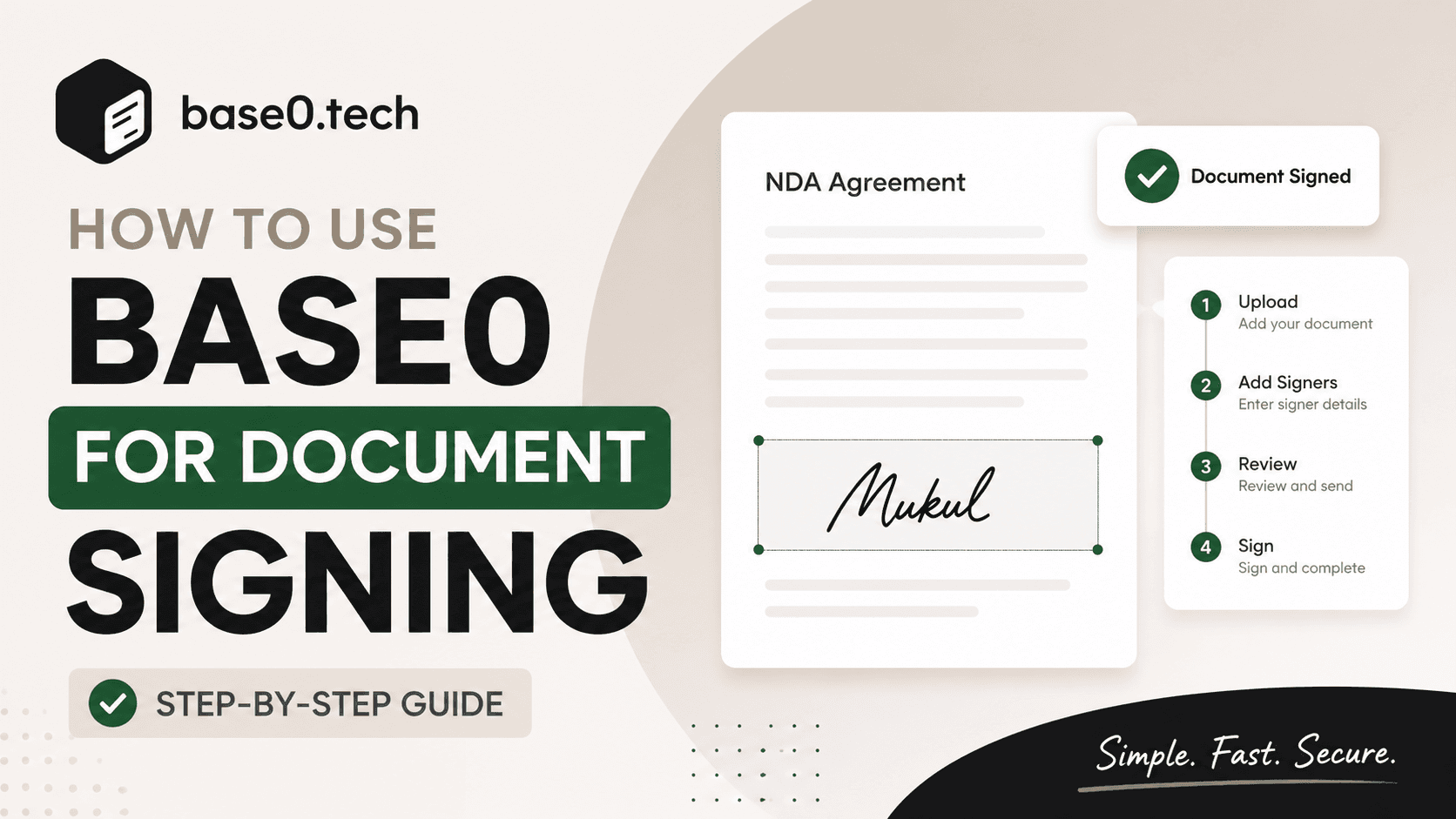
Digital signatures have become an essential part of modern business operations. Whether you're sending contracts, agreements, NDAs, onboarding documents, or client approvals, managing signatures shouldn't be complicated.
Base0 simplifies the entire document signing process by providing an intuitive workflow that allows you to upload documents, add recipients, place signature fields, track progress, and receive
completed documents—all from a single dashboard.
In this guide, we'll walk through the complete process of getting started with Base0.
Step 1: Access Your Base0 Dashboard

After signing in, you'll land on the Base0 Dashboard.
The dashboard provides a quick overview of your document activity, including:
- Documents Sent
- Documents Signed
- Pending Documents
- Recent Activity
The navigation menu gives you access to all major features:
- Overview
- Send Document
- Create Template
- Documents
- History
- Contacts
- Templates
- Settings
This centralized workspace makes it easy to manage every stage of your document workflow.
Step 2: Upload Your Document

To begin, navigate to Send Document.
Upload the PDF document that requires signatures. Base0 supports standard PDF files and prepares them for electronic signing in seconds.
Common document types include:
- Service Agreements
- Employment Contracts
- NDAs
- Vendor Agreements
- Client Approval Forms
- Internal Company Documents
Once uploaded, Base0 automatically processes the file and prepares it for recipient assignment.
Step 3: Add Signers and Recipients

After uploading your document, proceed to the recipient section.
Here you can add the individuals who need to sign the document.
For each signer, provide:
- Name
- Email Address
- Signing Order (if applicable)
Base0 supports both simple and multi-signer workflows, making it suitable for everything from single-party approvals to complex agreements requiring multiple signatures.
This ensures every recipient receives the document at the right stage of the signing process.
Step 4: Prepare the Document

Once recipients have been added, you'll enter the document preparation stage.
This is where Base0 becomes especially powerful.
Using the visual document editor, you can:
- Add Signature Fields
- Position Fields Anywhere on the Document
- Assign Fields to Specific Signers
- Configure Multi-Signer Documents
- Review Document Layout Before Sending
Simply drag and place signature fields onto the PDF wherever signatures are required.
For example, if your document requires signatures from both a company representative and a client, you can place separate signature blocks and assign them accordingly.
No coding or technical setup is required.
Step 5: Review and Send

Before sending, Base0 provides a final review screen.
Take a moment to verify:
- Document Details
- Recipient Information
- Signature Field Placement
- Signing Order
Once everything looks correct, click Send.
Base0 will securely deliver signature requests to all designated recipients.
Each recipient receives a professional signing experience and can complete the process from any modern device.
Step 6: Track Document Progress

After sending, you can monitor the document directly from your dashboard.
Base0 keeps you informed throughout the signing lifecycle.
Track statuses such as:
- Sent
- Viewed
- Pending Signature
- Completed
This eliminates the need for follow-up emails and gives complete visibility into every document's progress.
Step 7: Complete the Signing Process

Recipients can open the signing request and electronically sign the document in just a few clicks.
The signing experience is designed to be simple, fast, and intuitive.
Once all required signatures have been collected, Base0 automatically marks the document as completed.
You'll receive confirmation that the signing process has been successfully finalized.
Step 8: View and Download Signed Documents

After completion, the signed document becomes available within your Base0 workspace.
From there, you can:
- View the Final Document
- Download Signed PDFs
- Store Documents Securely
- Access Historical Records
This ensures every completed agreement remains accessible whenever you need it.
Why Teams Choose Base0
Base0 is designed to streamline document workflows without unnecessary complexity.
Key benefits include:
Fast Setup
Upload documents and send signature requests in minutes.
Multi-Signer Support
Handle agreements involving multiple participants with ease.
Real-Time Tracking
Monitor document status from a centralized dashboard.
Secure Digital Signatures
Collect legally binding electronic signatures through a professional signing experience.
Organized Document Management
Maintain a complete history of all sent, pending, and completed documents.
Start Signing with Base0 Today
Managing signatures shouldn't slow down your business.
With Base0, you can upload documents, collect signatures, track progress, and manage completed agreements from a single platform.
Whether you're a startup, growing business, or enterprise team, Base0 provides a simple and efficient way to modernize your document workflows.
Get started today and experience a faster way to send, sign, and manage documents.